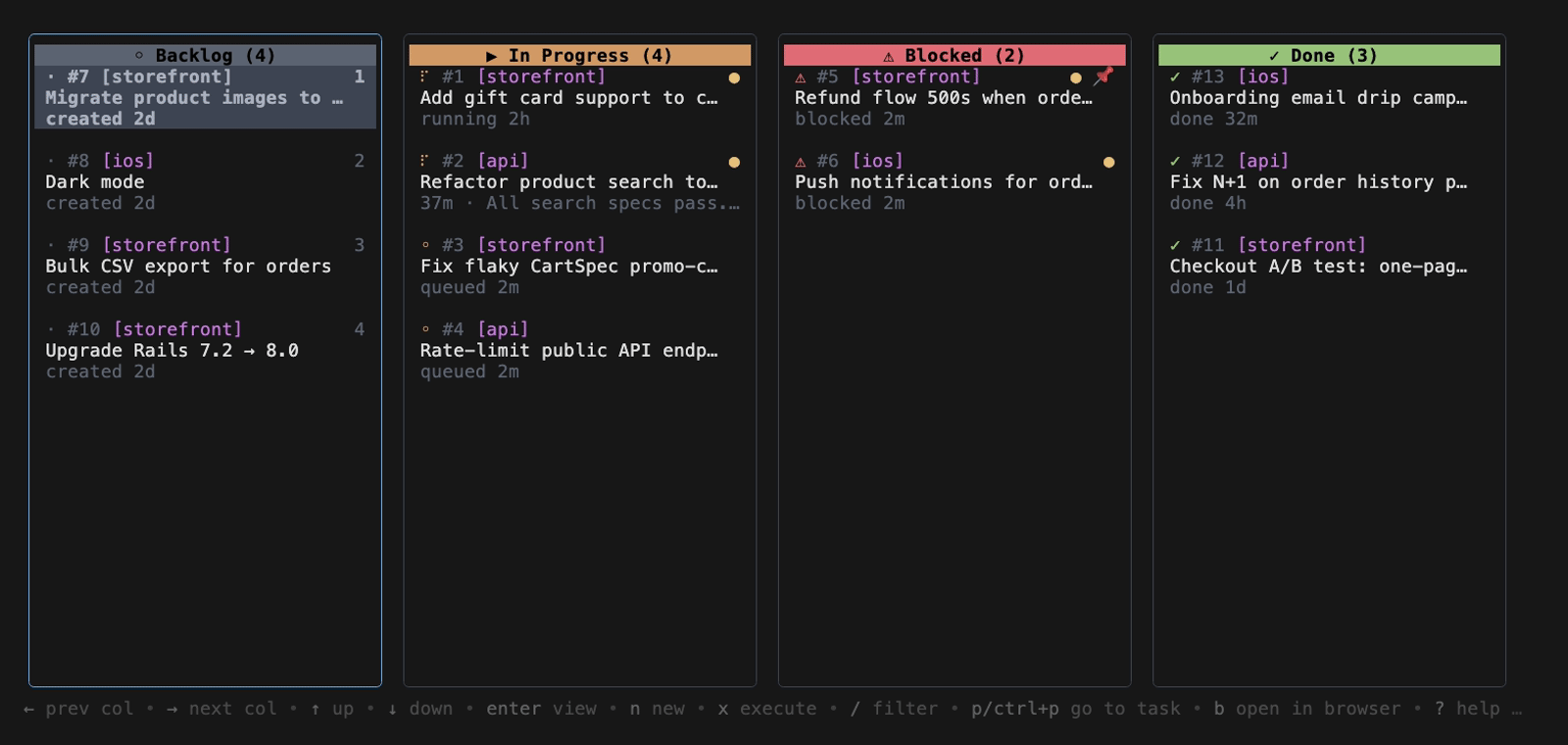
An agent for every task. A worktree for every agent.
Install with one command
$ curl -fsSL taskyou.dev/install.sh | bashCOPY
◆ open source · MIT◆ terminal-native◆ works with Claude Code
~/projects/storefront — ty
See it run
Watch the board clear itself.
Queue up work, hand it to the agents, and watch cards march from Backlog to Done.
taskyou — demo
▸ click the video for sound
How it works
Drop a task. Walk away. Merge the diff.
TaskYou is a Kanban board that runs in your terminal — but the cards do the work. Move one into play and ty puts a Claude Code agent on it, in its own isolated git worktree.
1
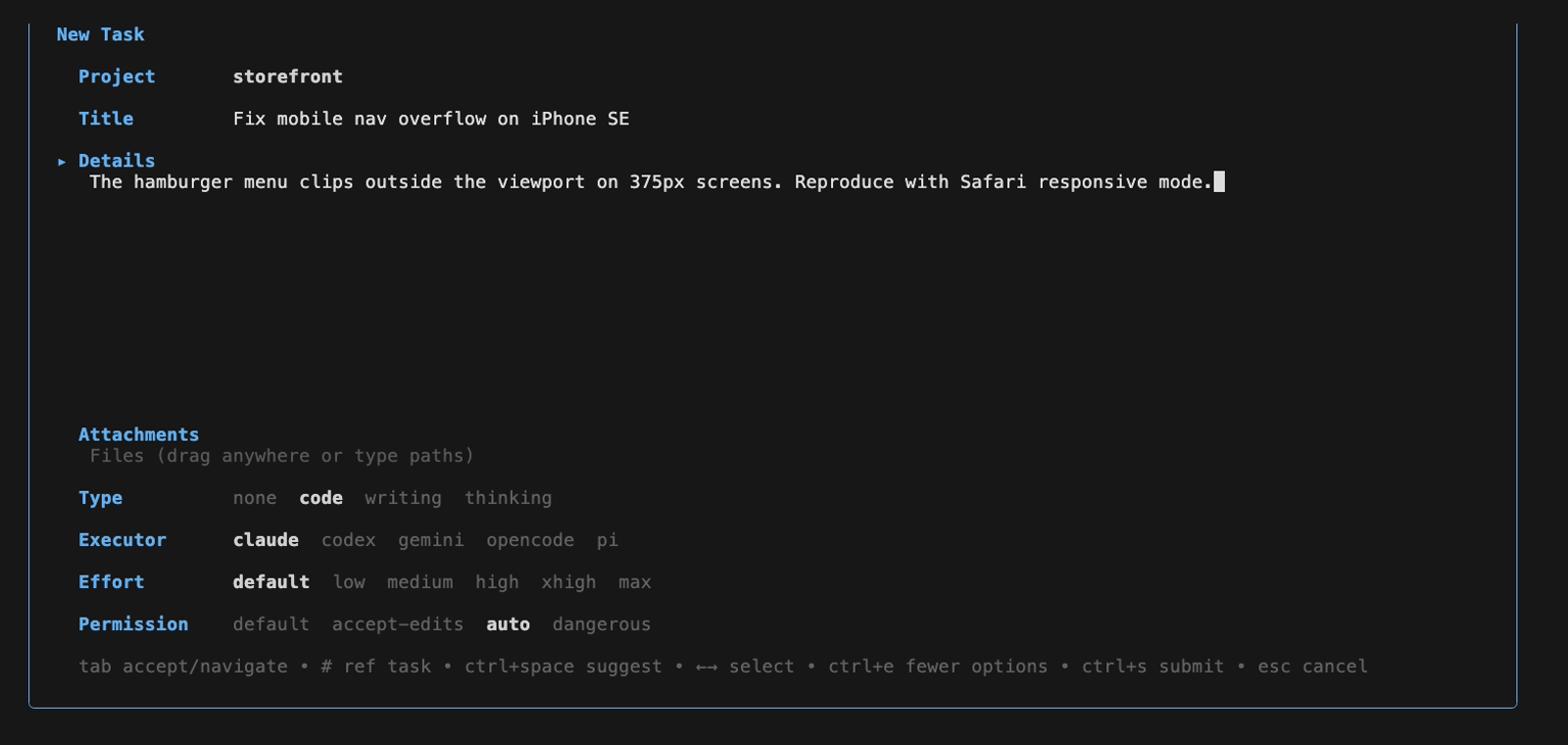
Add a task
Write what you want done in plain language and drop it on the board.
2
An agent picks it up
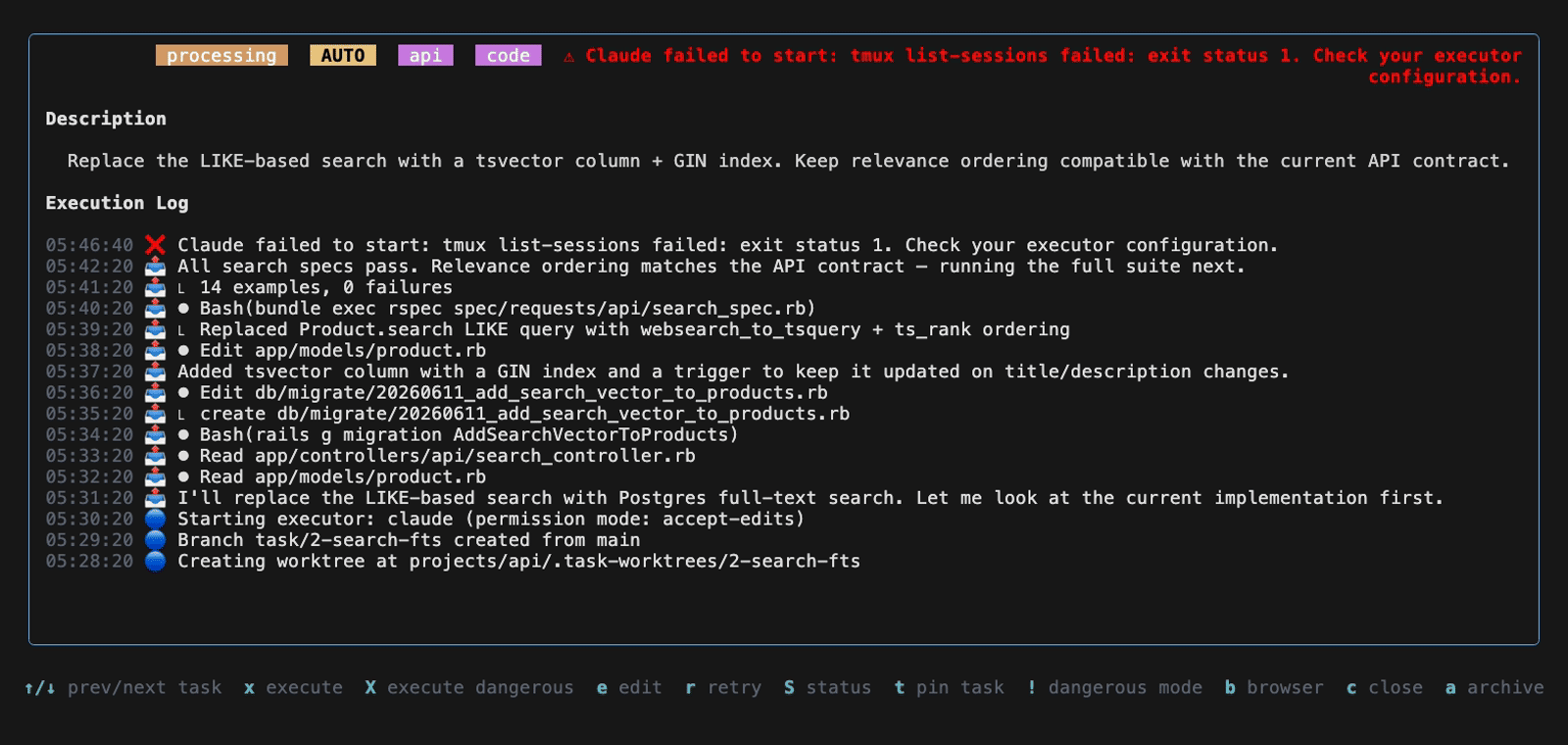
ty spins up a Claude Code agent in a fresh worktree and runs it in the background.
3
Review & merge
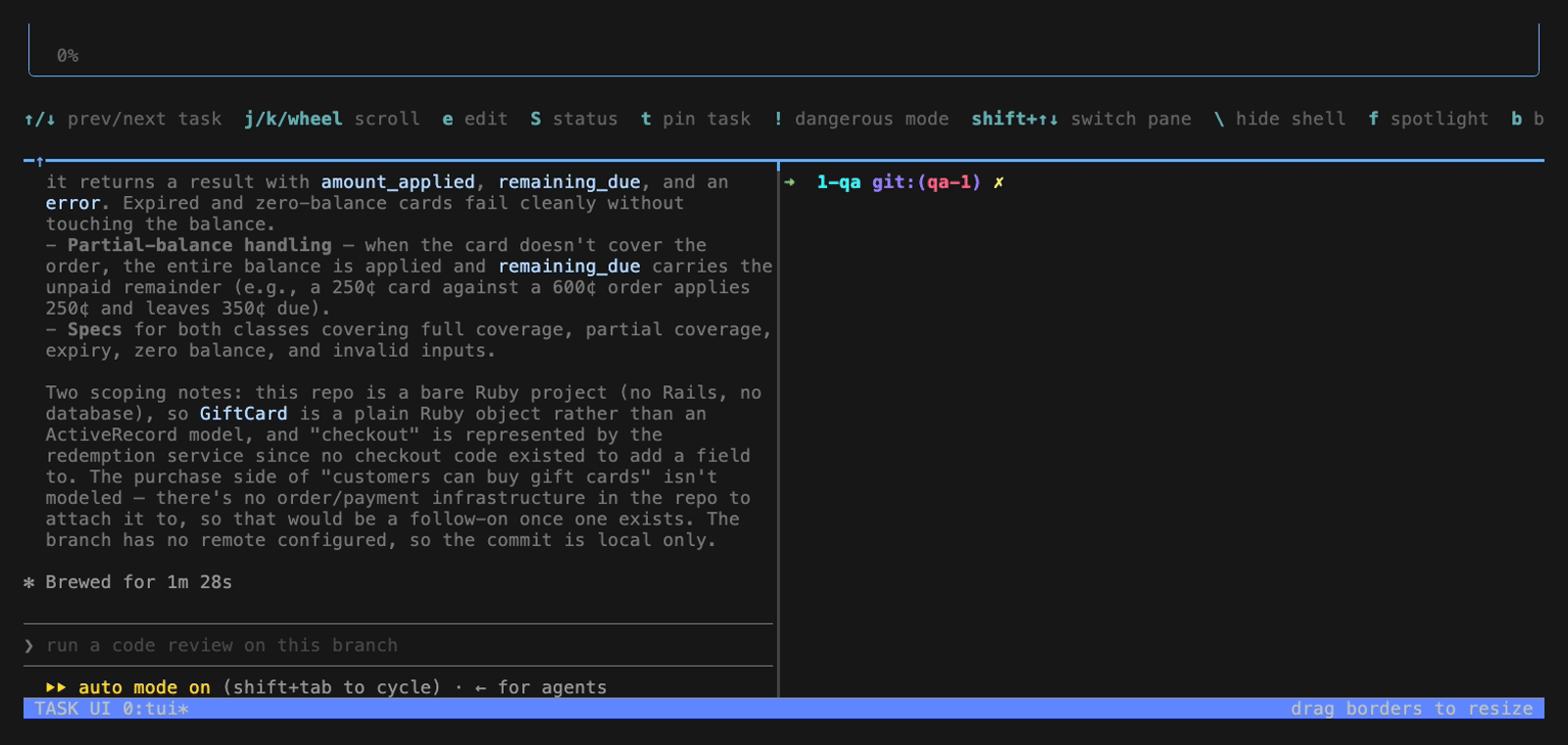
Read the diff and the run log, then merge straight from the board.
Why it's different
Built for running many agents at once.
Not a chat window. A board you can stack with work and let rip — every task isolated, every agent accountable.
Terminal-native
A full Kanban TUI. Keyboard-driven and fast — no browser, no context switch.
An agent per task
Every card gets its own Claude Code agent. Run a whole column in parallel.
Worktree isolation
Each agent works in its own git worktree. They never step on your working tree — or each other.
Background execution
Queue a stack of tasks, walk away, come back to a column full of diffs.
Review & merge
Inspect the diff, read the execution log, and merge — all from the board.
Open source
MIT-licensed and free. Runs locally, drives the Claude Code you already have.
Install
One command and you're on the board.
Grab the binary, or spin it up on a fresh cloud VM in seconds.